 Tech Volt Lab Automation | PLC | SCADA | Electrical | Electronics

Related Articles

PLC programming mistakes can cause costly downtime, equipment damage, and serious safety risks in modern industrial automation. PLC programming is one of the most important parts of modern industrial automation. Factories depend on PLC systems to control motors, conveyors, pumps, robotic systems, and complete production lines. However, even a small PLC programming mistake can stop an entire factory within seconds. Many industries lose thousands of dollars every hour because of automation failures. Understanding and avoiding these mistakes is essential for maintaining reliable and efficient factory operations.
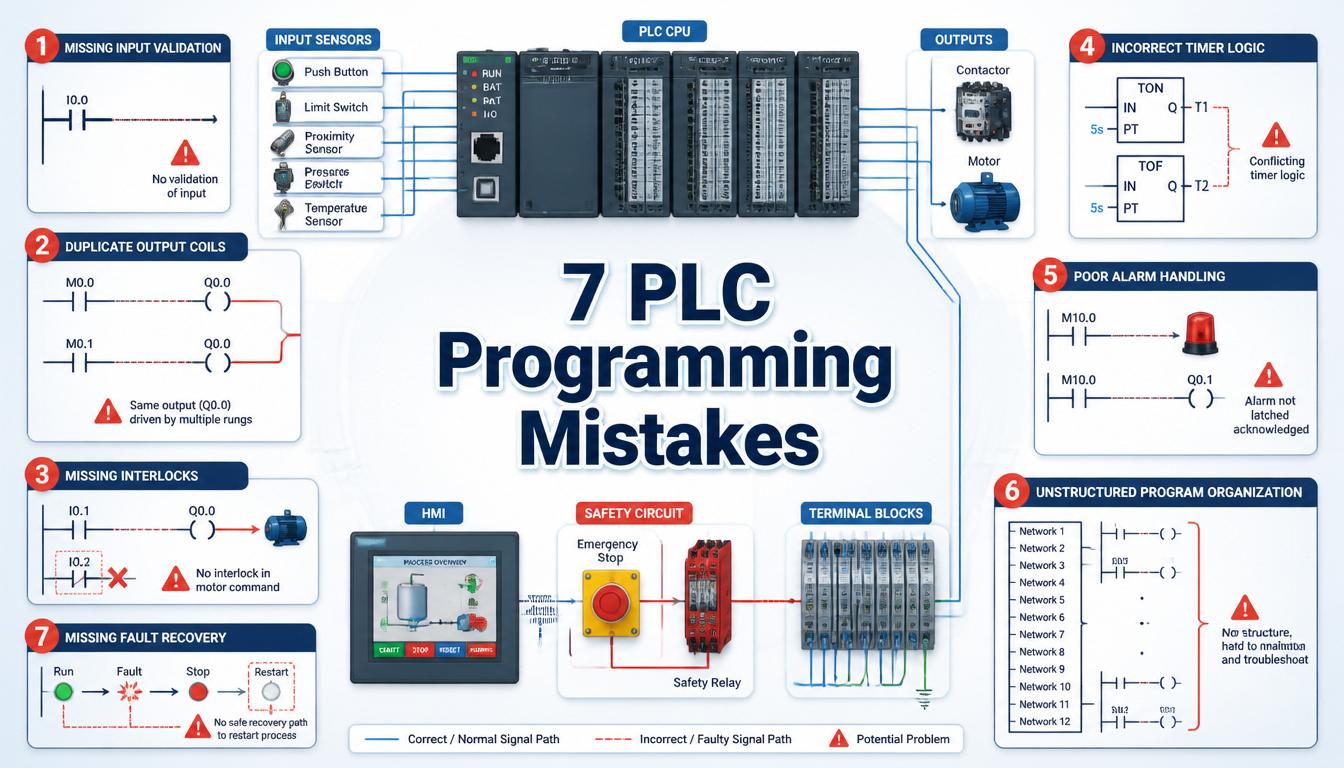
In this article, we explain the most dangerous PLC programming mistakes and how professional automation engineers avoid them.
1. Incorrect Address Mapping – A Common PLC Programming Mistake
One of the most common PLC programming mistakes is incorrect input and output addressing.
What Is PLC Address Mapping?
Address mapping connects physical sensors and outputs with PLC memory locations. Wrong mapping causes unexpected machine behavior.

Common Addressing Errors
- Wrong sensor assignment
- Incorrect motor output
- Mixed analog and digital addresses
- Duplicate addressing
A single wrong address may start the wrong motor or activate dangerous machine movements.
2. Missing Safety Interlocks
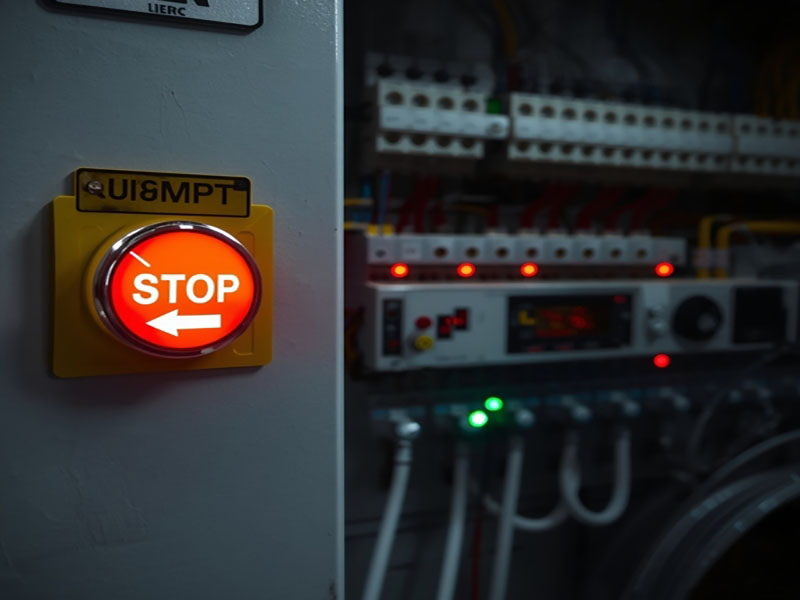
Safety interlocks protect operators and machines from dangerous conditions.
Why Safety Interlocks Matter
Without safety logic, machines may continue operating during faults, overloads, or emergencies.
Common Missing Interlocks
- Emergency stop monitoring
- Door safety switches
- Overload protection
- Temperature shutdown conditions
Professional PLC programmers always design machines to fail safely.
3. Poor Timer Logic
PLC timers control machine delays, sequencing, alarms, and motor startup timing.
Common Timer Programming Problems
- Incorrect delay settings
- Improper reset logic
- Conflicting timers
- Unstable sequencing
Bad timer logic often creates random production shutdowns and unstable machine behavior.
4. No Backup Before Online Editing
Many engineers modify PLC programs online, first creating a backup.

Risks of Online PLC Editing
If the modification fails, the original machine program may be permanently lost.
Professional Backup Rules
- Create multiple backup copies
- Save programs externally
- Document all modifications
- Test changes offline first
5. Ignoring Alarm Systems
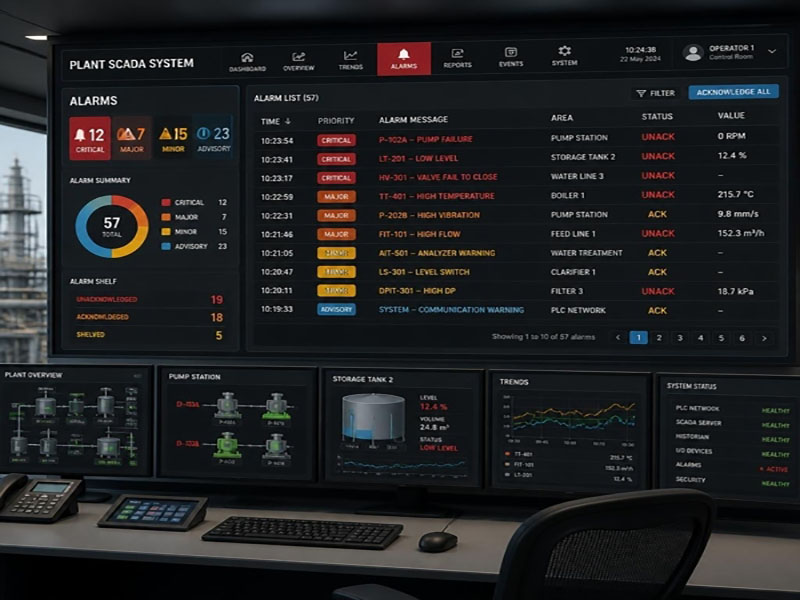
Good alarm systems help operators quickly identify machine faults.
Problems With Poor Alarm Design
Generic alarms like “System Fault” waste troubleshooting time and increase downtime.
Features of Good Alarm Systems
- Clear alarm descriptions
- Priority levels
- Fault history tracking
- Operator guidance messages
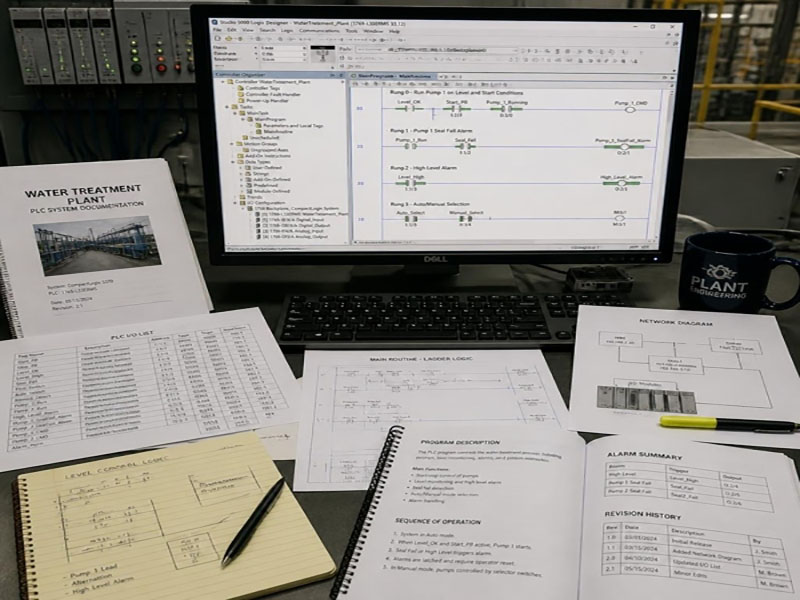
6. Lack of Documentation
Many PLC programs contain little or no documentation.
Why Documentation Matters
Without comments and explanations, troubleshooting becomes difficult for maintenance engineers.
Important Areas to Document
- Input and output descriptions
- Safety conditions
- Communication settings
- Sequence operations
7. Inadequate Testing Before Commissioning
Testing is one of the most important stages of PLC programming.
Common Commissioning Mistakes
- Skipping sensor fault testing
- Ignoring emergency stop tests
- Limited sequence testing
- No overload simulation
Professional PLC Testing Includes
- Power failure testing
- Communication loss testing
- Input failure testing
- Safety validation
How to Prevent PLC Programming Mistakes
Preventing PLC programming mistakes requires proper planning, testing, and documentation throughout the project lifecycle. Many automation failures occur because engineers rush commissioning or make changes without fully validating the logic. Taking time to review programs before deployment can prevent costly shutdowns and unexpected machine behavior.
Engineers should always verify input and output addresses, test safety interlocks, and confirm timer functions before downloading programs to production equipment. Creating backup copies of PLC programs and documenting every modification helps maintenance teams troubleshoot problems quickly and safely.
It is also important to simulate abnormal operating conditions such as sensor failures, communication losses, power interruptions, and emergency stop events. Testing these scenarios ensures that the PLC system responds correctly under real-world conditions. A well-tested PLC program improves reliability, reduces downtime, and protects both equipment and personnel.
Regular maintenance reviews, alarm analysis, and program audits can further reduce the risk of automation failures. By following industry best practices, engineers can build robust PLC systems that support long-term factory productivity and operational safety.
📚 Additional Resources
For more information about PLC programming, industrial automation standards, and best practices, explore these trusted resources:
🔗 Related Articles
Want to learn more about industrial automation and control systems? Check out these related guides:
Final Thoughts
PLC programming is not only about making machines operate. Professional automation engineering focuses on safety, reliability, efficiency, and long-term system stability. Every line of ladder logic can affect production performance, equipment life, and workplace safety.
By avoiding these common PLC programming mistakes, engineers can significantly reduce downtime, improve production efficiency, and protect valuable industrial assets. Proper testing, documentation, alarm management, and safety-focused programming practices help create reliable automation systems.
Modern factories depend heavily on PLC systems for continuous operation. Investing time in proper PLC programming, troubleshooting, and maintenance ensures smoother production processes and fewer unexpected failures. Whether you are a beginner or an experienced automation engineer, developing strong programming habits is essential for long-term success in industrial automation.
